
CH13: Rest Stop - Free PC Download
About CH13: Rest Stop
CH13: Rest Stop is a short narrative-driven psychological horror game.
Story shaped by sleep deprivation and exhaustion.

Discover Wojciech's story
Wojciech is a 32-year-old new father who hasn't had a full night's sleep in months.
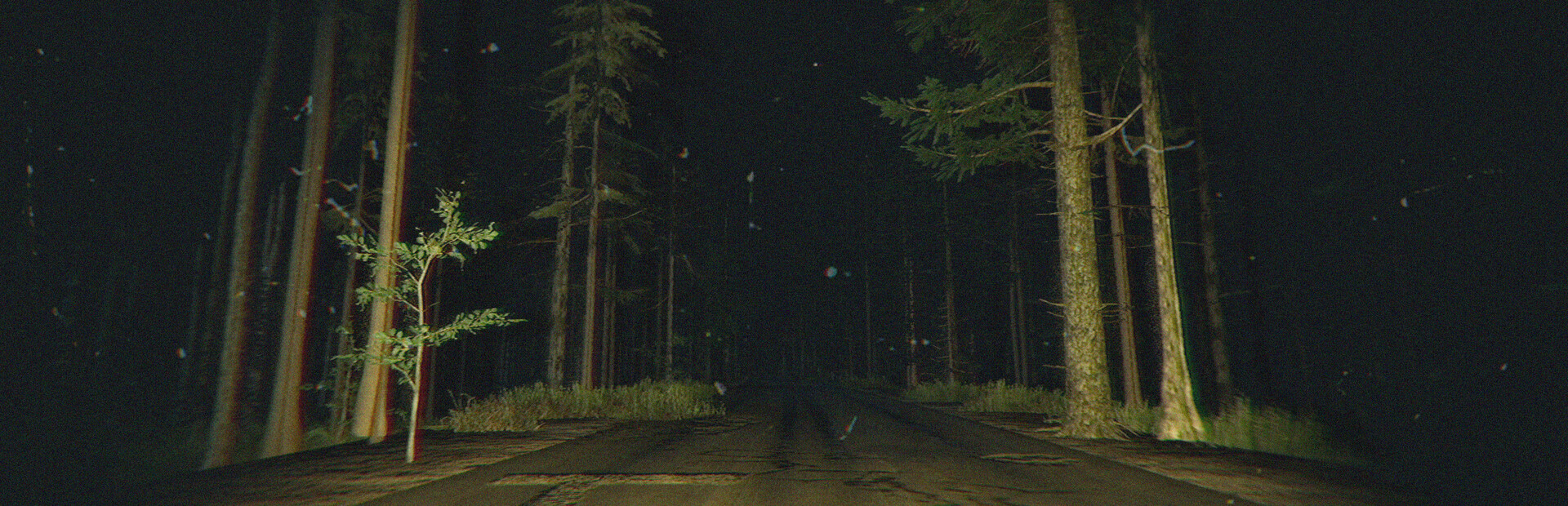
After a long work meeting, he should have stayed at the hotel and left at dawn. But his wife had come down with a cold, and the thought of leaving her alone with their daughter didn’t feel right. When the main road is closed after an accident, Wojciech is forced onto a narrow forest detour he has never taken before.
The longer he drives, the more the road, the trees, and his own thoughts seem to blur into one.

Gameplay
Combines driving and exploration on foot
Approximately one hour to complete
Features
Atmospheric linear horror experience focused on story
Early 2000s Polish setting
Unique environment created specifically for this story

This text comes straight from the game's store page and is pulled in automatically. We don't write or edit it, so it may contain spoilers.
System requirements
- Min
- Windows 10 64-bit
- Rec
- Windows 10/11 64-bit
- Min
- Intel Core i5-8400 / AMD Ryzen 3 3100
- Rec
- Intel Core i5-10400 / AMD Ryzen 5 3600
- Min
- 8 GB RAM
- Rec
- 16 GB RAM
- Min
- GTX 970 / RX 570
- Rec
- RTX 2060 / RX 5600 XT
- Min
- Version 11
- Rec
- Version 11
- Min
- 2 GB available space
- Rec
- 2 GB available space
- Min
- Mouse and keyboard required
- Rec
- Mouse and keyboard required
These are the developer's listed requirements and may not be 100% accurate. If your specs fall below the minimum, try the game anyway; many games run fine below the listed requirements. When in doubt, check YouTube for performance benchmarks.
How to install CH13: Rest Stop
CH13: Rest Stop is a pre-installed PC game, currently at Build 26701351, 1.8GB. Updated Nov 2026.
- Download every part from one mirror and save them in the same folder.
- Extract the first archive with 7-Zip or WinRAR. The rest unpack automatically.
- Open the extracted folder and run the game's .exe. No installer is needed.
- Pre-installed means the game is ready to play after extracting. Nothing to set up.
Download
Download the files from any mirror below. All parts are needed. Save them to the same folder, then extract the first one.
We don't accept fix requests when only one host is down. Please use another mirror above. Links broken? Let us know.
We never password-protect files or hide installers. If a page asks for a password or payment, that is the host's ad, not us. See our safety guide.