DYNASTY WARRIORS 8 Empires Free Download
Cautionary notes
The following options are available for language display within the game: - English - Chinese (traditional) - Japanese When starting the game for the first time, the language setting will be set automatically according to that of your Steam client, as below. - Steam client: English → In-game language: English - Steam client: Japanese → In-game language: Japanese - Steam client: Chinese-traditional → In-game language: Chinese-traditional - Steam client: Other than the above → In-game language: English When you set the display language in the game library, you can change the language you want to use and load the save data. 1. In the Game Library, right click the game title and choose "PROPERTY" 2. Choose the "LANGUAGE" tab and select the language you want to use from the pull-down menu. If the language still cannot be set to the language of your choice, please follow the procedures below. 3. In the Game Library, right click the game title and choose "PROPERTY" 4. After selecting the "LOCAL FILES" tab, click on "VERIFY INTEGRITY OF GAME FILES" Note that save data is prepared for each language, so you can load data using the same language setting as the one you used when performing the save.
About the Game
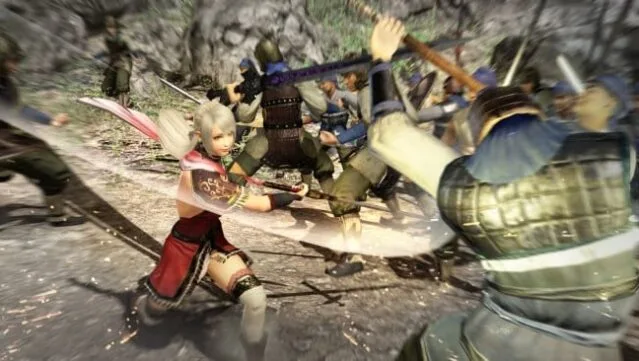
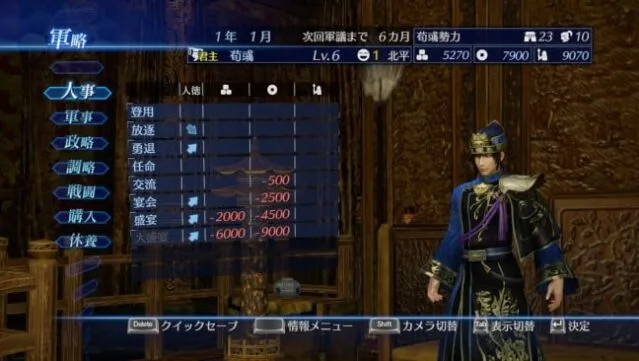
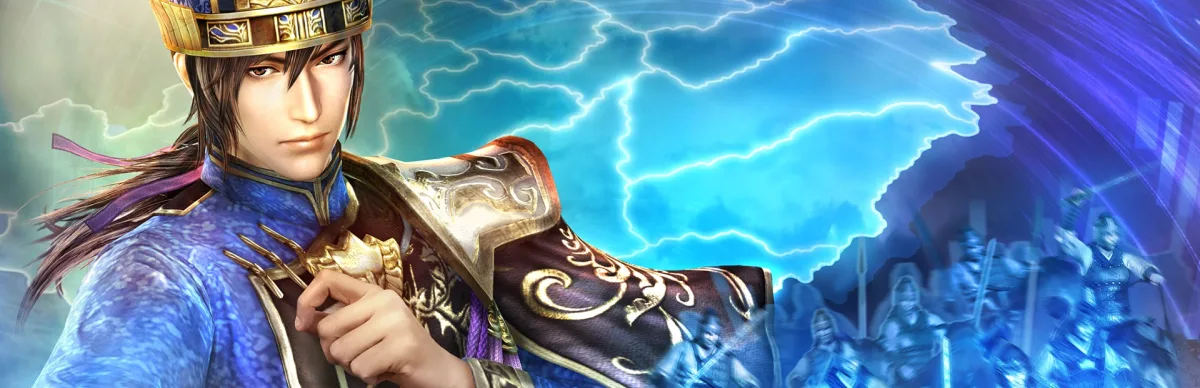
DYNASTY WARRIORS 8 Empires is part of the "Empires" series, in which you aim to conquer ancient China using both strategy and the one warrior versus one thousand tactical action the WARRIORS series is known for. The player becomes a hero from Three Kingdoms era, with the goal of unifying all of ancient China under their rule via strategy and battles! * The images are from an in-development build and may differ from the final version.DYNASTY WARRIORS 8 Empires – Windows & macOS Desktop Technical Guides
Need Windows 10/11 (x64) or macOS (Apple Silicon M1–M4 / Intel) compatibility specs, installation steps, or troubleshooting fixes for DYNASTY WARRIORS 8 Empires? Explore our dedicated desktop sub-guides:
- DYNASTY WARRIORS 8 Empires Windows & macOS System Requirements
- How to Install DYNASTY WARRIORS 8 Empires (Windows & Mac Setup)
- DYNASTY WARRIORS 8 Empires Startup Crash, DLL & Permission Fixes
- DYNASTY WARRIORS 8 Empires Latest Build Changelog & Patch Notes
Screenshots