
Food Processing Simulator Free Download
Step into the world of food production and grow your own processing facility from the ground up. Begin with a modest workshop, install machines to automate your workflow, and expand your factory into a fully functioning production line.
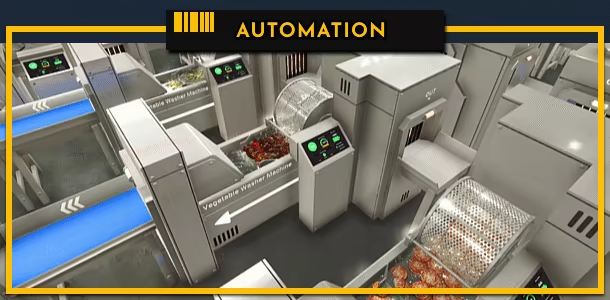
Automation
Set up and connect machines to handle different stages of production. Design your workflow, fine-tune your layout, and watch as your facility transforms into a smooth-running automated system.
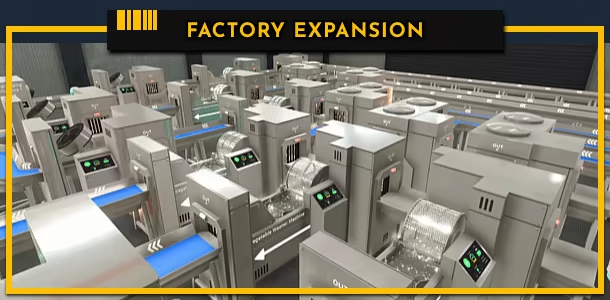
Factory Expansion
Upgrade equipment, unlock new technologies, and expand your space to take on larger orders. Every expansion opens new opportunities to scale your business and push your production further.
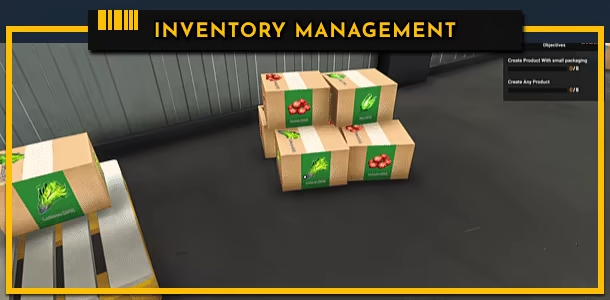
Inventory Management
Keep track of raw ingredients, stored products, and shipping schedules. Smart inventory management ensures smooth operations and helps you deliver every order on time.
From a small workshop to a large-scale production empire, every decision shapes your path, whether you focus on efficiency, growth, or balance in building the ultimate food processing factory.
Food Processing Simulator – Windows & macOS Desktop Technical Guides
Need Windows 10/11 (x64) or macOS (Apple Silicon M1–M4 / Intel) compatibility specs, installation steps, or troubleshooting fixes for Food Processing Simulator? Explore our dedicated desktop sub-guides:
- Food Processing Simulator Windows & macOS System Requirements
- How to Install Food Processing Simulator (Windows & Mac Setup)
- Food Processing Simulator Startup Crash, DLL & Permission Fixes
- Food Processing Simulator Latest Build Changelog & Patch Notes