
Lost Media Agency - Free PC Download
About Lost Media Agency
You work in a secret government facility tasked with covering up mysterious incidents from around the world. This time, you’ve received fragmented found footage recovered from multiple devices linked to an incident in a small town in Latvia.
Your job is to reconstruct the timeline and arrange the footage in the correct chronological order to report on the Kaiju incident to your superiors.

Main Features:
Analyze, rewind, and piece together lost media to uncover the truth behind the incident.
Deduce the correct chronological order using subtle clues hidden within the footage.
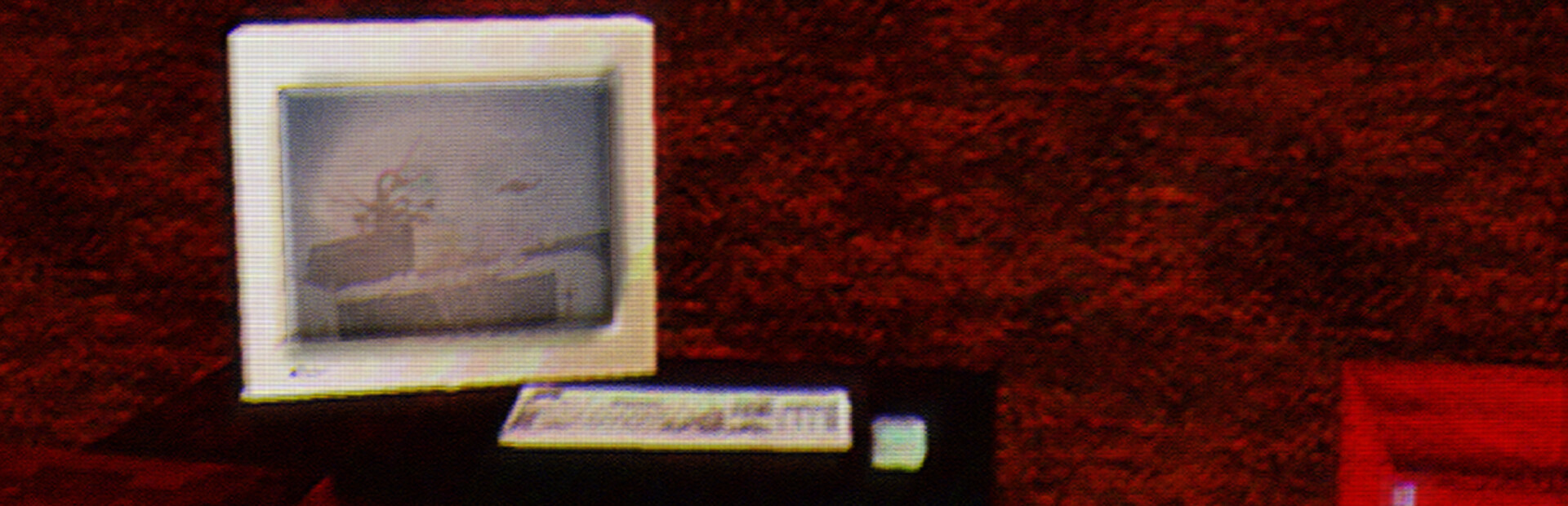
Immerse yourself in a retro PC interface designed to pull you deeper into the mystery.
Explore your unsettling office environment.
Approximately 1 hour of gameplay—depending on your deduction skills.

Inspired by found footage films, this game largely reflects the experience of those genres.
And remember: while you sort through the footage… your boss is always watching.
This text comes straight from the game's store page and is pulled in automatically. We don't write or edit it, so it may contain spoilers.
System requirements
- Min
- Windows 10
- Rec
- Windows 10
- Min
- Intel Core i7
- Rec
- Intel Core i7
- Min
- 2 GB RAM
- Rec
- 4 GB RAM
- Min
- 2GB VRAM
- Rec
- 2GB VRAM
- Min
- Version 10
- Rec
- Version 10
- Min
- 1 GB available space
- Rec
- 1 GB available space
- Min
- Any
- Rec
- Any
- Min
- Should work on low-end pcs
- Rec
- Should work on low-end pcs
These are the developer's listed requirements and may not be 100% accurate. If your specs fall below the minimum, try the game anyway; many games run fine below the listed requirements. When in doubt, check YouTube for performance benchmarks.
How to install Lost Media Agency
Lost Media Agency is a pre-installed PC game, currently at Build 26533890, 976.0MB. Updated Nov 2026.
- Download every part from one mirror and save them in the same folder.
- Extract the first archive with 7-Zip or WinRAR. The rest unpack automatically.
- Open the extracted folder and run the game's .exe. No installer is needed.
- Pre-installed means the game is ready to play after extracting. Nothing to set up.
Download
Download the files from any mirror below. All parts are needed. Save them to the same folder, then extract the first one.
We don't accept fix requests when only one host is down. Please use another mirror above. Links broken? Let us know.
We never password-protect files or hide installers. If a page asks for a password or payment, that is the host's ad, not us. See our safety guide.