Potion Craft: Alchemist Simulator Free Download
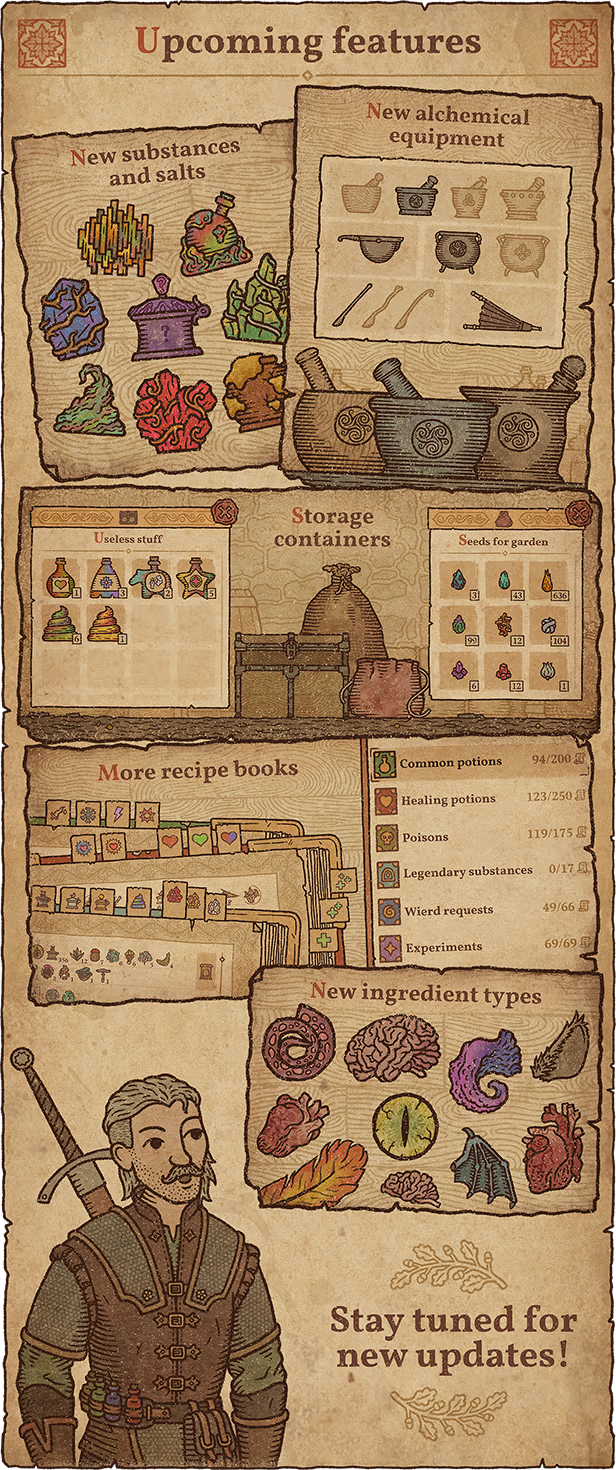
Upcoming features
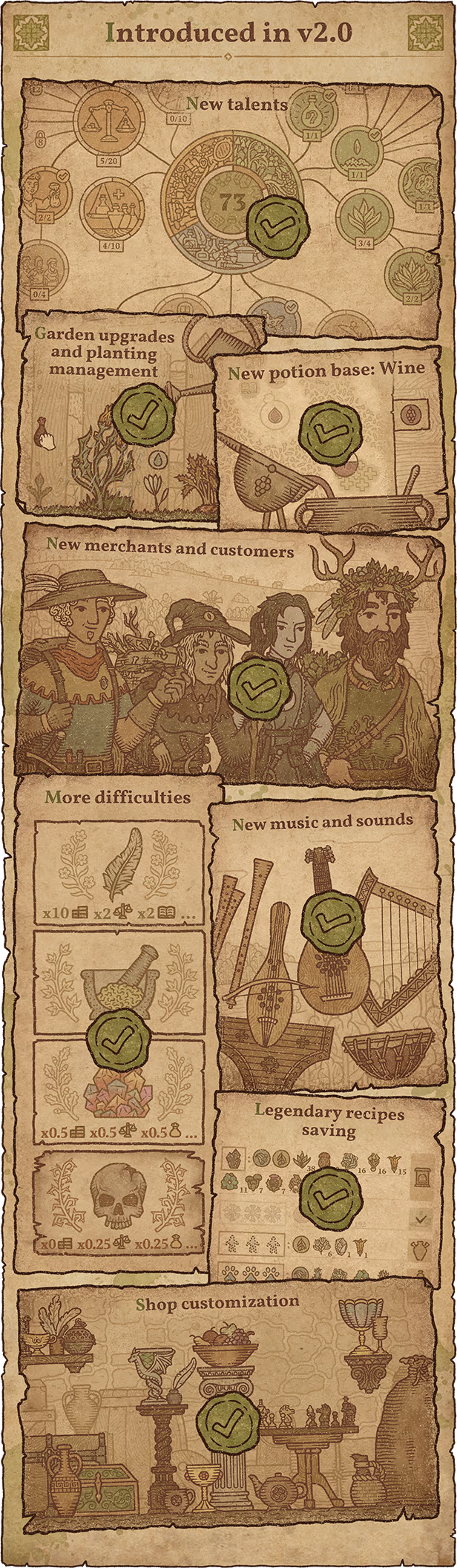
Introduced in v2.0
About the Game
Features:
Unique visuals inspired by medieval manuscripts and medical books.
Hyper satisfying physical interactions with ingredients and equipment.
Sandbox style gameplay where you have many different avenues available, and it’s up to you to figure out the best way to complete each task.
Sell your potions to the townsfolk while roleplaying as a noble artisan, a greedy weasel, an occult dark master, or whomever else you may wish to be!
Work with all sorts of ingredients
Leaves, flowers, berries, roots, fruits, minerals, and a plethora of mushrooms are at the ready for your mortar and pestle. Just like espresso, the fineness of the grind matters!

Learn the art of potion making
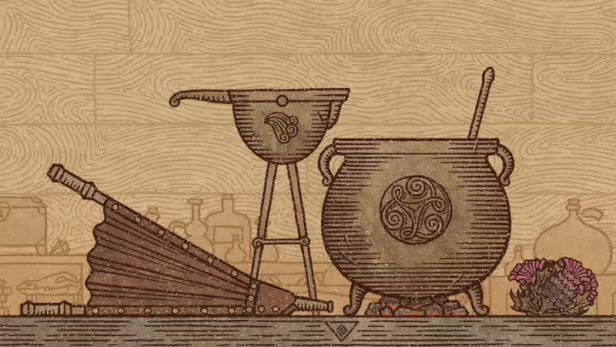
Concoct your potion plan. Grind ingredients and carefully mix them in your cauldron. Heat the coals. Boil and stir. Add the base: water, oil, or… something else. Congrats on your first potion! Was it easy to learn? Now try mastering it!
Experiment and invent new recipes
Carefully plan your route via the Alchemy Map to combine different effects. Be mindful of common sense: you won’t find a market for a poisonous healing potion… right? Or would you?

Sell potions
Every day customers will come to your store looking for solutions to their problems. You will face consequences depending on what you decide to sell them. Attract guilds, befriend notable figures (or feud with them), gain riches and influence - and one day, you may even decide the fate of the whole town.

Buy ingredients or grow your own
Every alchemist needs ingredients, and there are many ways to get them! You can buy them from traveling merchants: it can be pricey, but successful haggling may save you some coin. Or take matters into your own hands and cultivate your very own enchanted garden. Grow a variety of ingredients, from vibrant herbs to exotic mushrooms and even magical crystals, each essential for brewing your unique potions!

Get creative with customization
Want to give your best potions a special look? Go for it! Change the bottle shape, label type, icon and colours. You can even give it a custom name and label description. Carefully arrange your unique potions to showcase them on your shop's shelves and tables... or go a step further and customize your shop itself! Choose from a variety of furniture and shelving to give your alchemy shop a personal touch that matches your style. We won't tell you what to do, just have fun!

Potion Craft: Alchemist Simulator – Windows & macOS Desktop Technical Guides
Need Windows 10/11 (x64) or macOS (Apple Silicon M1–M4 / Intel) compatibility specs, installation steps, or troubleshooting fixes for Potion Craft: Alchemist Simulator? Explore our dedicated desktop sub-guides:
- Potion Craft: Alchemist Simulator Windows & macOS System Requirements
- How to Install Potion Craft: Alchemist Simulator (Windows & Mac Setup)
- Potion Craft: Alchemist Simulator Startup Crash, DLL & Permission Fixes
- Potion Craft: Alchemist Simulator Latest Build Changelog & Patch Notes